
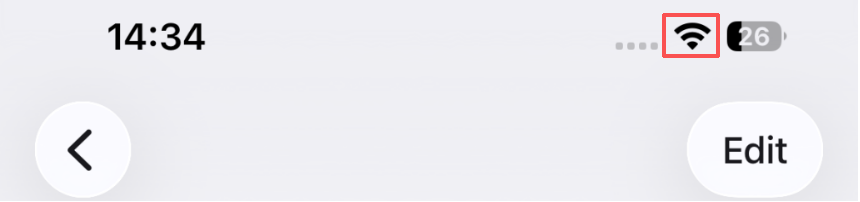
Check1 Is the Wi-Fi antenna displayed on your smartphone/tablet?
Example (iOS device):

Example (Android device):
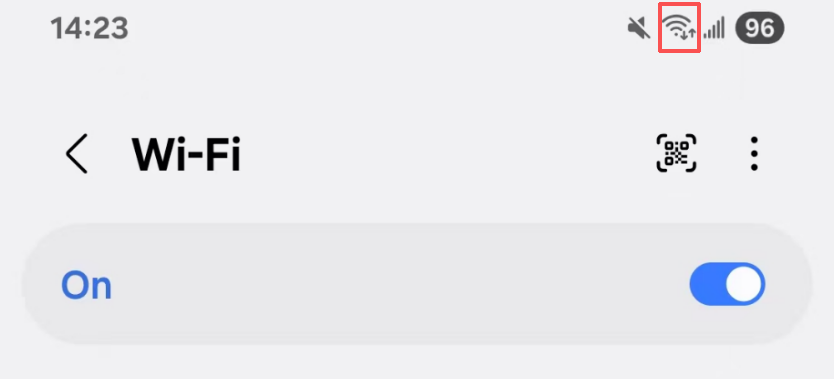
If the antenna is not displayed, your device's wireless function is disabled.
Enable wireless function on your device and connect it to a wireless router.
For more on the procedure, refer to your device's instruction manual or visit the manufacturer's website.
Check 2 Confirm the printer’s Wi-Fi connection
A solid purple or blue indicator light indicates that the printer is connected to Wi-Fi.
Make sure your smartphone/tablet is connected to the same Wi-Fi network.
If the printer is not connected, please configure the network connection first.